Netizen Robotics
Products
Docs
About Us
Contact Us
Products
Docs
About Us
Contact Us
Sign In
Sign In
loading...
Assembly guide
Step 3: LiDAR Mount
Getting started
Assembly guide
Start
Before You Start Assembly
Step 1
Base Preparation
Step 2
Wheel Assembly
Step 3
LiDAR Mount
Step 4
Back Panel Installation
Step 5
Screen Assembly
Step 6
Main Board Integration
Step 7
Body Enclosure
Core final
Final Top Assembly
Vision final
Final Top Assembly with Vision
Software setup
Wi-Fi setup
Connect Auron to Wi-Fi
Dashboard
Pair Auron with the Dashboard
JupyterLab
Open Auron JupyterLab
Step 3: LiDAR Mount
Install the LiDAR holder and LiDAR module.
Assembly
Step 3
6 min
Updated 2026-03-18
Assembly
Walkthrough
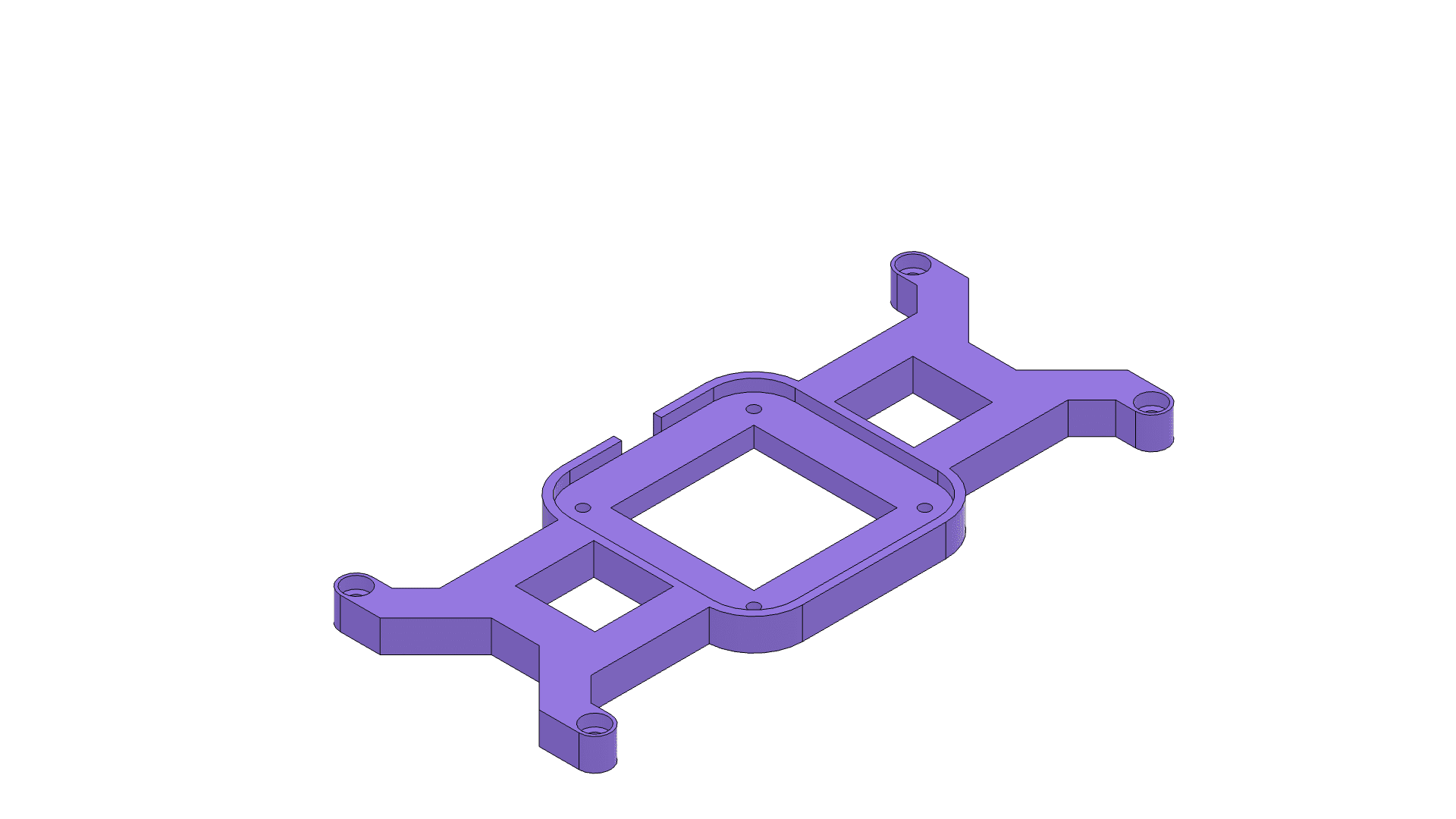
Place the LiDAR holder on the work surface.
Previous
1 / 4
Next
Assembly progress
4 / 10
Start
1
2
3
4
5
6
7
Core final
Vision final